Apps on the shared platform
Every customer app runs on the shared Game API — a managed, multi-tenant endpoint scoped by your appId. You do not provision VMs, pick datacenters, or wait for a dedicated stack.
If you are standing up your first game, start with Create your first app. That wizard registers the app on the shared platform and it is immediately usable after create.
After create, use Connecting to your app for endpoints, tokens, and client configuration. Billing and usage limits are covered in Shared environment & billing.
How routing works
| Concept | Detail |
|---|---|
| Shared endpoint | One Game API fleet (https://ck.prod.crowdedkingdoms.com), with a host per datacenter. |
| App scoping | Traffic is isolated by appId — your players only see your app's world data. |
| Discovery | Read gameApiUrl from the app record or mintAppToken; or call public platformConfig for tier defaults. |
Programmatic discovery (no auth):
query {
  platformConfig {
    sharedGameApiUrl
    sharedGameApiWsUrl
    freeAppsPerOrg
  }
}
Per-app routing after create:
query {
  app(appId: "<your-app-id>") {
    appId
    deploymentTarget   # "shared"
    runtimeStatus      # "active" — immediately usable
    gameApiUrl
  }
}
App dashboard
Open /orgs/:orgSlug/apps/:appSlug for studio operations on a single game:
- Connection info —
gameApiUrland WebSocket URL for clients (same shared host for all apps on the tier). - Access tiers — marketplace and entitlement settings.
- Granted users — who can play or manage the app.
- Runtime status —
active, or a denial reason when wallet, caps, or subscription block traffic.
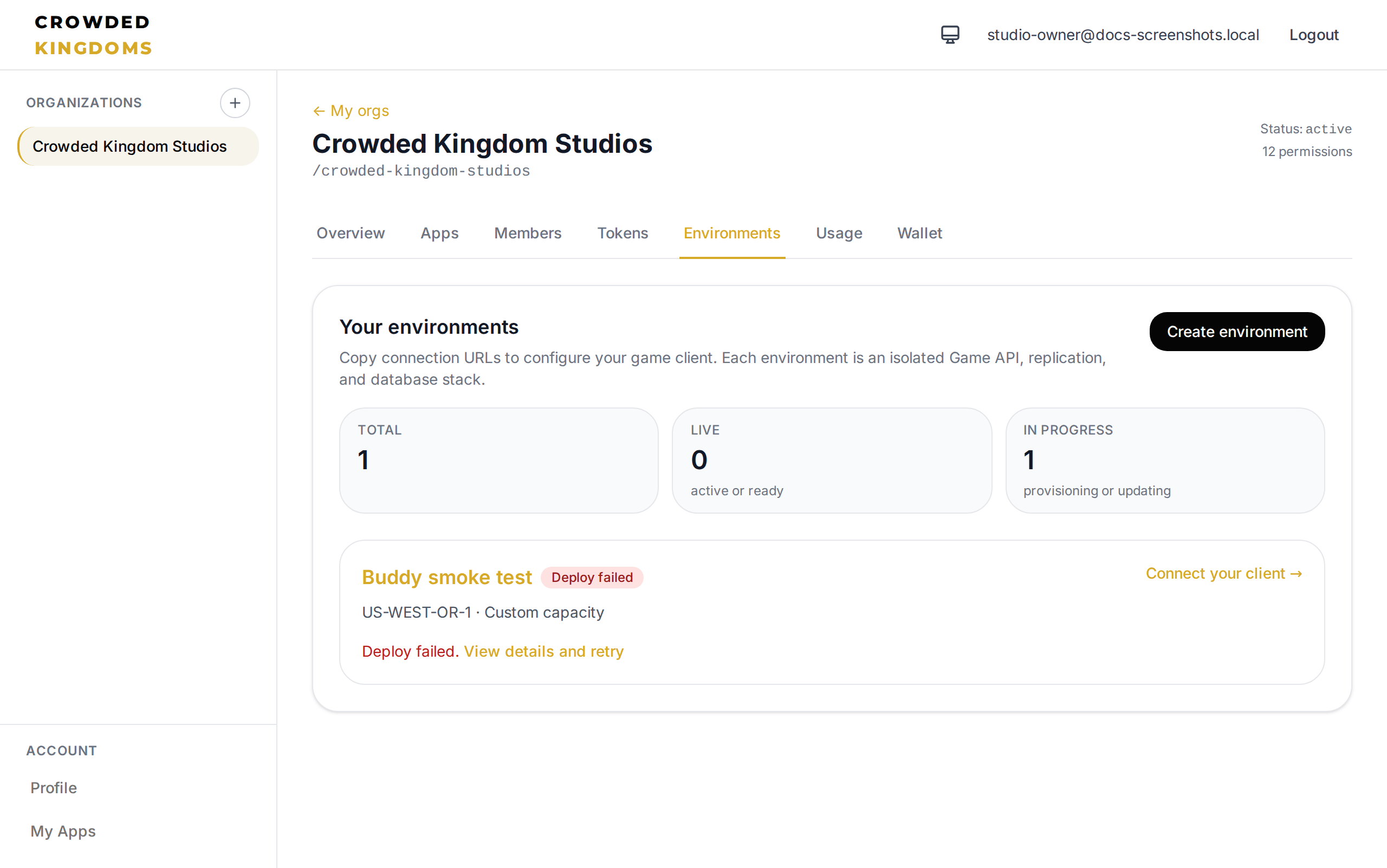
Some screenshots in this section were captured before the shared-only UI pivot. Connection URLs and app dashboards replace the legacy Environments tab for customer workflows.
Free tier and wallet
- Free apps: up to
platformConfig.freeAppsPerOrg(default 3) per org. - Free usage allowance: each app includes a small hourly metered allowance at no cost.
- Above allowance: usage debits the org wallet at published rates.
- Auto-billing: optional saved card tops up the wallet when balance runs low.
Top up or configure auto-billing from the org Wallet tab before heavy testing or launch.
Permissions and tokens
- Org members manage apps through the UI according to org RBAC.
- Org API tokens (created under the org Tokens tab) can call the same Management API mutations your user can, for automation — see the Management API schema reference for
createApp,mintAppToken, and related types.
Keep tokens secret; they grant org-level power equivalent to a highly privileged member.
Dedicated environments (not self-service)
Dedicated and developer sandbox stacks (isolated Game API + database + Buddy per org) were retired without replacement — not moved behind the operator console. There is no per-tenant stack to provision and no API for one. Contact Crowded Kingdoms if you need enterprise isolation.
- Customer integration docs: Shared environment & billing and CrowdyJS → Loading an app's Game API.
- Every app uses the shared platform (
publishAppToShared); customer-provisioned environments were retired.
Troubleshooting
| Symptom | What to check |
|---|---|
| Cannot connect to Game API | Mint an app-scoped token (mintAppToken); identity session tokens are rejected for gameplay. |
runtimeStatus denied | Wallet empty, spend cap hit, or subscription lapsed — see Shared environment & billing. |
| Wrong Game API URL | Use app.gameApiUrl or platformConfig.sharedGameApiUrl. Do not compose a hostname. |
| Token expired | Call refreshAppToken on the Management API before retrying gameplay. |
Next steps
- Create your first app — app-first onboarding for new studios.
- Connecting to your app — endpoints, tokens, and client configuration.
- Connecting game clients — production hosts and smoke checklist.
- Shared environment & billing — free tier, wallet, and runtime denial reasons.
- Management API — programmatic app and billing operations.
- Account and org basics — wallet, members, and tokens.